What Is It? (Name and Common Terms)
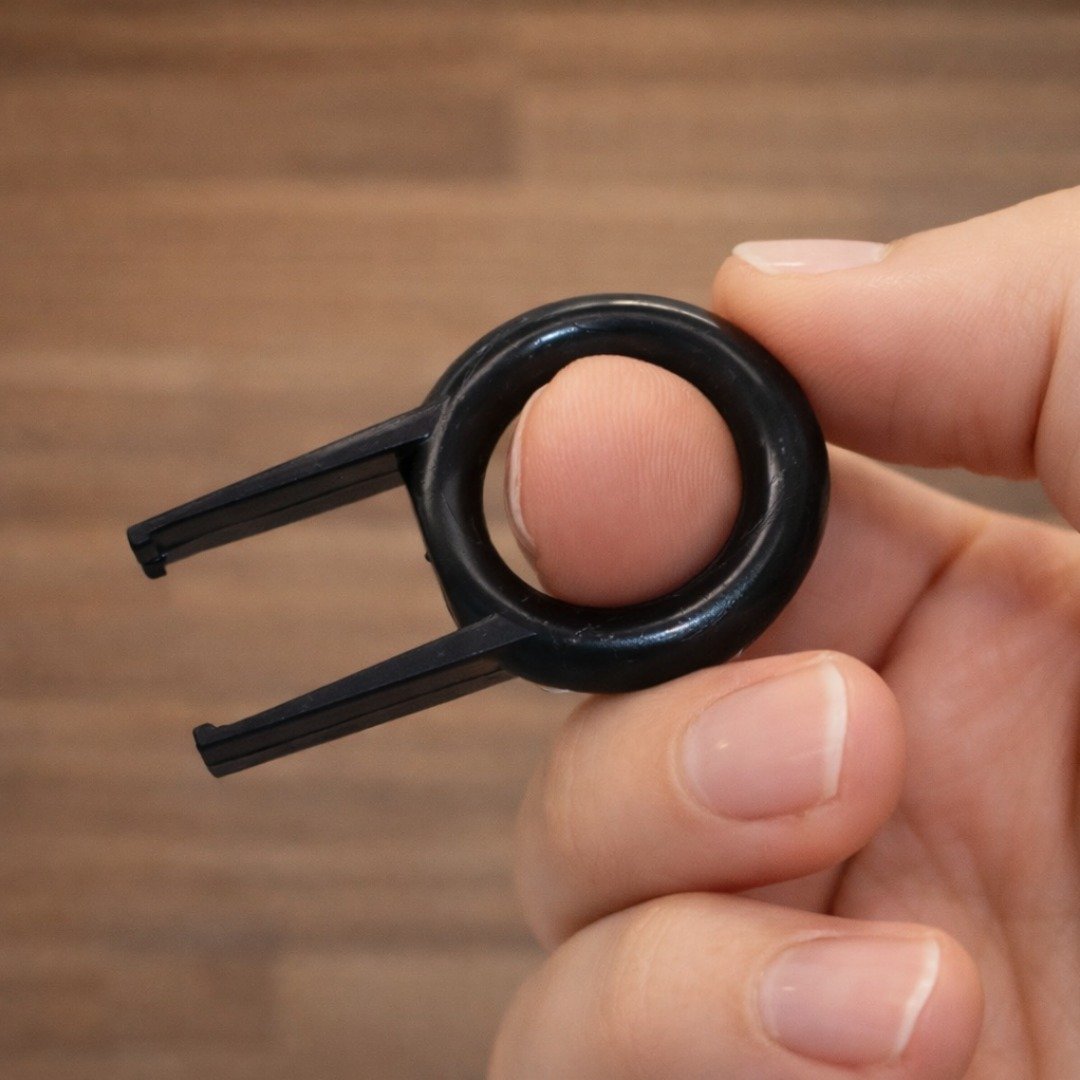
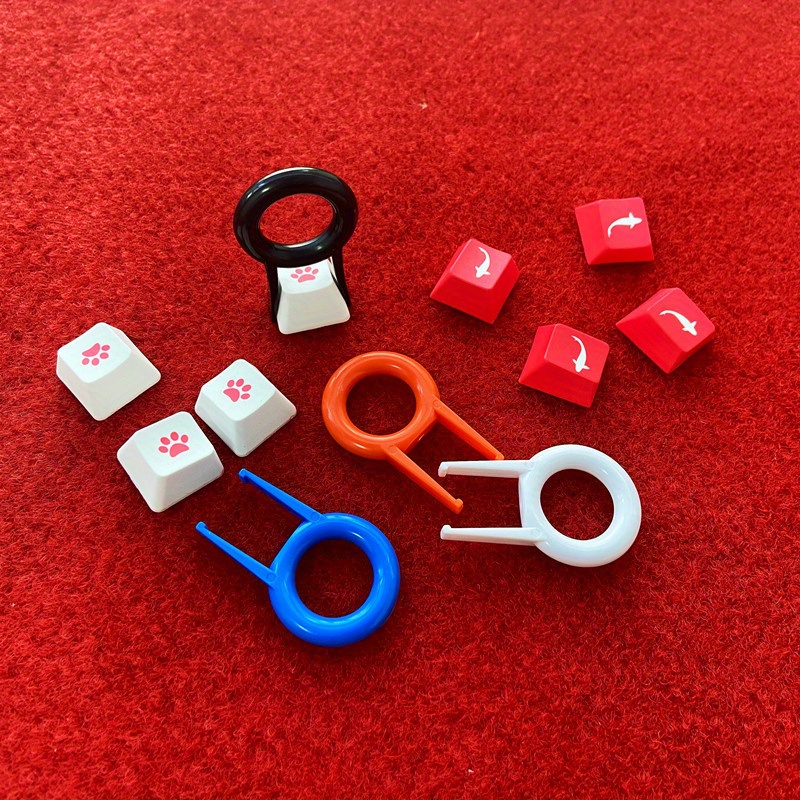
This accessory is a Universal Keyboard Key Cap Puller, also commonly called a Keycap Puller, Keycap Remover, Key Cap Remover Tool, or Rounded Key Puller. The version shown in the images is the ring-style plastic puller with two prongs that slide under a keycap.
How It Looks (Based on the Images)
- Round finger ring handle for grip and control
- Two straight prongs (fork shape) designed to hook under the edges of a keycap
- Often sold in multiple colors and marketed as universal for many keyboards
When Did It First Appear? (Time of Origin)
There is no single officially documented “birth year” for keycap pullers because they evolved as a practical service tool once keyboards with removable keycaps became common. In general:
- Early forms of keycap removal tools existed during the era of serviceable keyboards (commonly associated with late 1970s–1980s onward).
- The small, low-cost, ring-style “universal” plastic puller like the one shown became especially widespread with the rise of consumer mechanical keyboard customization, most notably in the late 2000s to 2010s.
What Is It Used For? (Main Functions)
A keycap puller is used to remove keycaps safely so you can clean, repair, or customize a keyboard without prying with sharp tools.
Typical Uses
- Deep cleaning: remove keycaps to clean dust, hair, crumbs, and residue underneath
- Keycap replacement: swap worn or broken caps, or install new keycap sets
- Keyboard customization: change colors, legends, and themes on mechanical keyboards
- Maintenance and troubleshooting: access switches and stabilize parts more easily

Why This Tool Matters
Using a proper keycap puller helps reduce the risk of:
- Scratching keycaps (common when using metal tools)
- Cracking keycap stems from uneven force
- Damaging switches or stabilizers by pulling at the wrong angle
How to Use a Ring-Style Keycap Puller (Simple Steps)
- Position the prongs on opposite sides of the keycap.
- Slide the prongs under the keycap edges until they catch firmly.
- Pull straight upward with steady pressure (a tiny side-to-side wiggle can help).
- For larger keys (Space, Enter, Shift), pull slowly and evenly to avoid stressing stabilizers.
- Works best on mechanical keyboards with standard removable keycaps.
- Be extra careful with stabilized keys (Space/Enter/Shift) to avoid bending stabilizer parts.
- Not all keyboards are equally safe to pull: some laptop/scissor-switch designs can be damaged if keycaps are forced off.